 MirrorAct
Cable
Plug in, unlock, click. MirrorAct captures the screen the way QuickTime does – with the lowest latency and with sound.
USB · iPhone & iPad
Free & open source · macOS 15 or later
MirrorAct shows your iPhone, iPad or Android phone on your Mac in a real device frame – by cable or wirelessly. Record it, screenshot it, present it. And nothing ever leaves your Mac.

Why “MirrorAct”?
Apple’s iPhone Mirroring isn’t available in the EU – Apple cites the Digital Markets Act. MirrorAct is named after that gap, and goes further: it mirrors iPads and Android phones too, draws the real device around the screen and records it all for demos, presentations, screenshots and tutorials.
Connect
Three ways onto your Mac, all from the same start window.
Plug in, unlock, click. MirrorAct captures the screen the way QuickTime does – with the lowest latency and with sound.
USB · iPhone & iPad
A built-in AirPlay receiver that decodes without buffering, sound included. It also works over AWDL, Apple’s peer-to-peer Wi-Fi, when your router blocks Bonjour.
Control Center → Screen Mirroring → MirrorAct
Turn on USB debugging once, then connect by cable or Wi-Fi. Video, sound from Android 11, and full control with mouse and keyboard.
USB debugging · cable or Wi-Fi
Start window
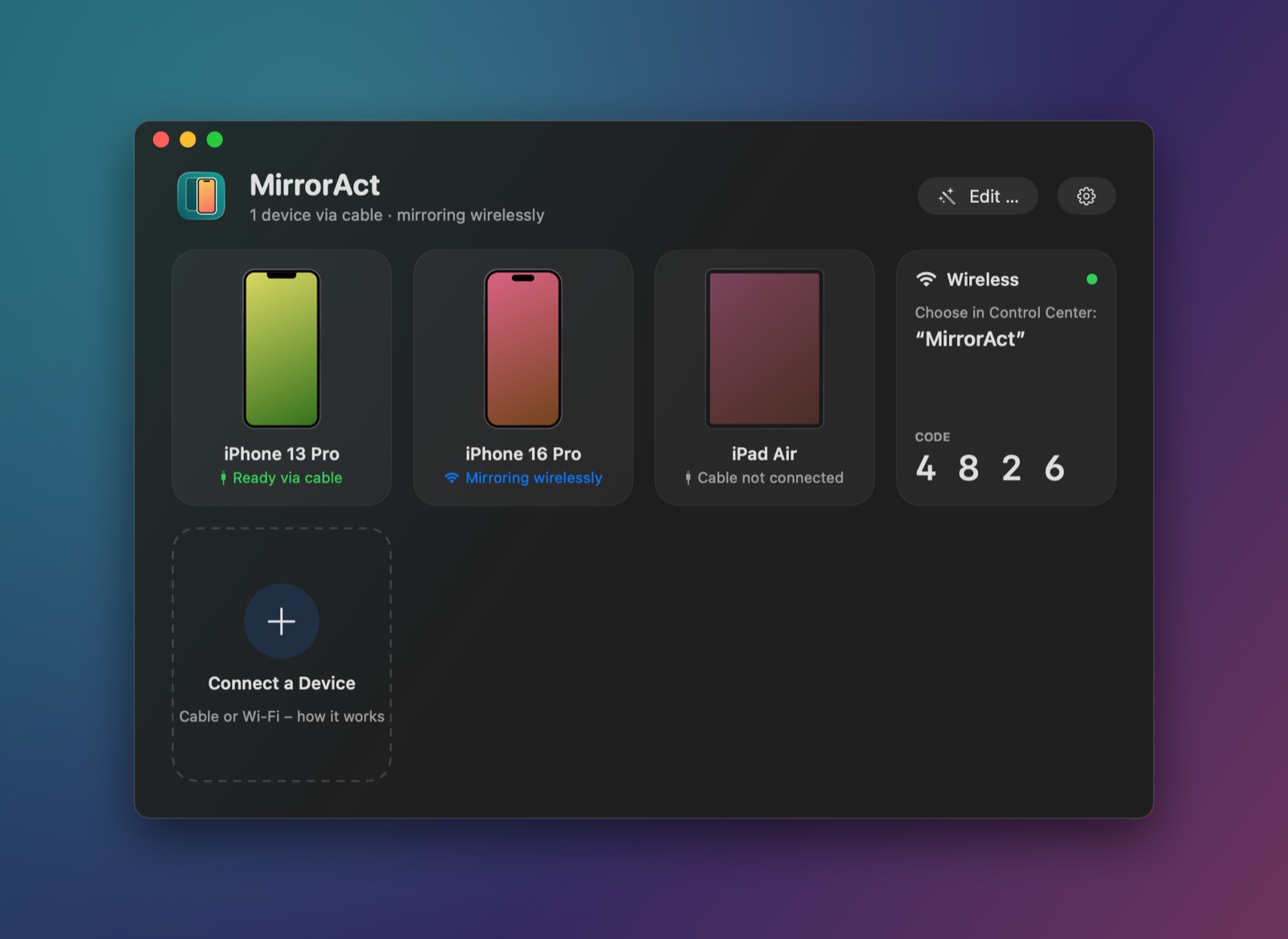
Your iPhones, iPads and Android phones show up as cards with their state – ready via cable, mirroring wirelessly. The code for your first wireless connection is right there, and a short guide covers everything else.
Device frames
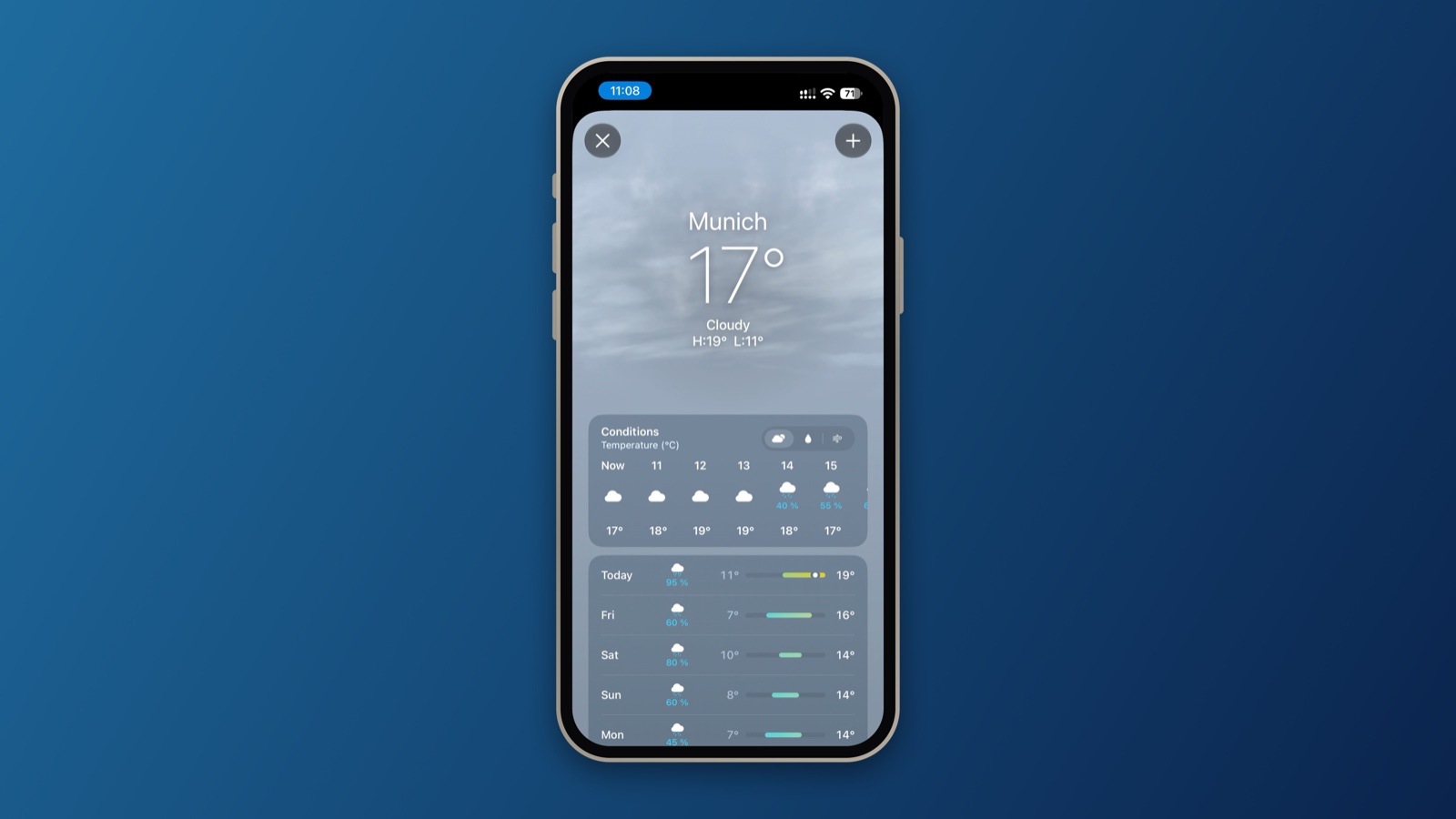
Frames are drawn for each model: notch, Dynamic Island, home button, iPad – and on Android the punch-hole camera, placed where the phone says it is. Seven frame colors, portrait and landscape.
Editor
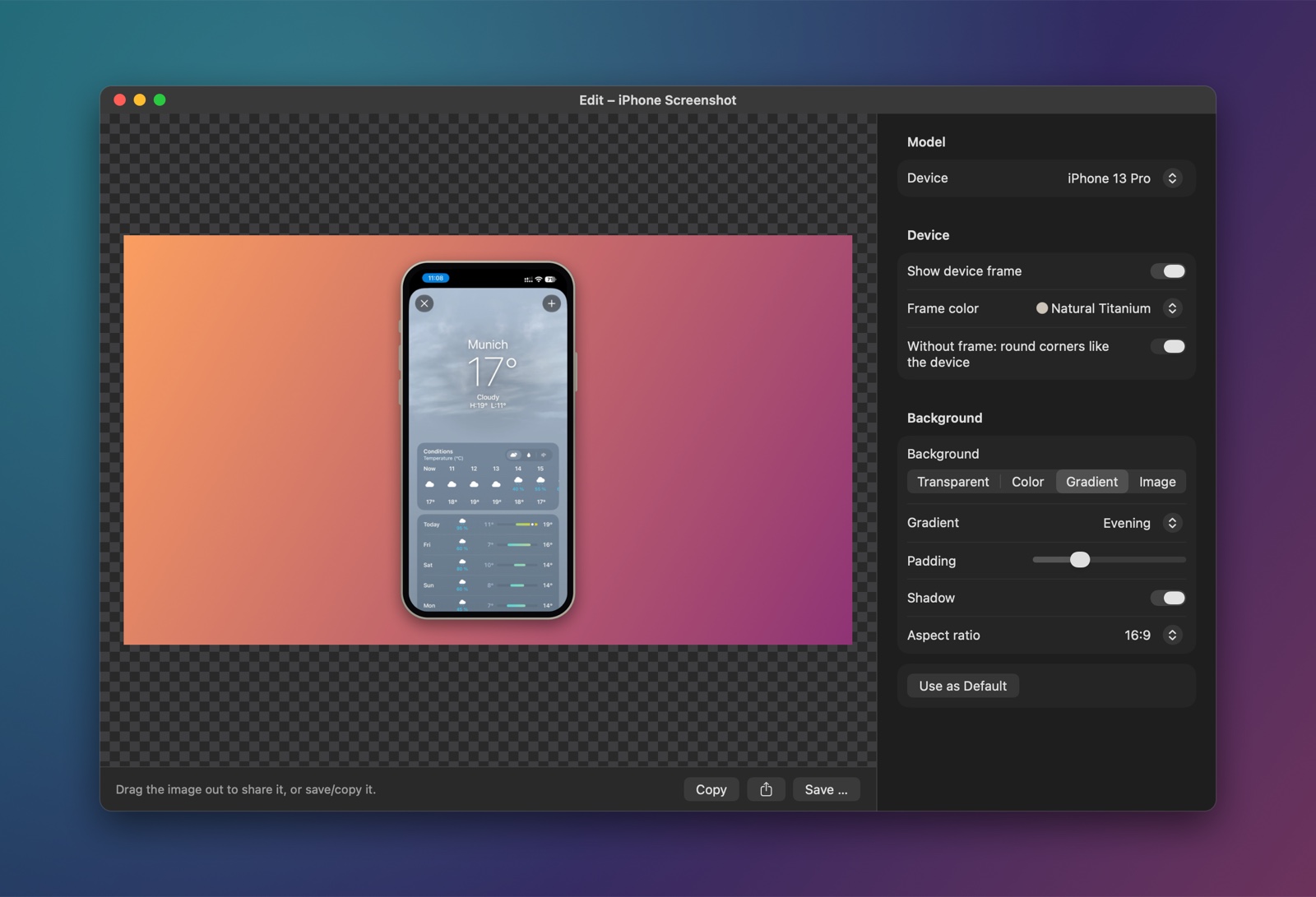
Open existing screenshots and screen recordings, put them in a frame and on a background, trim videos – or combine two screenshots as a duo: side by side, staggered, tilted or in perspective.
Also available as the shortcut “Frame screenshot”, right in Finder as a Quick Action.
Control
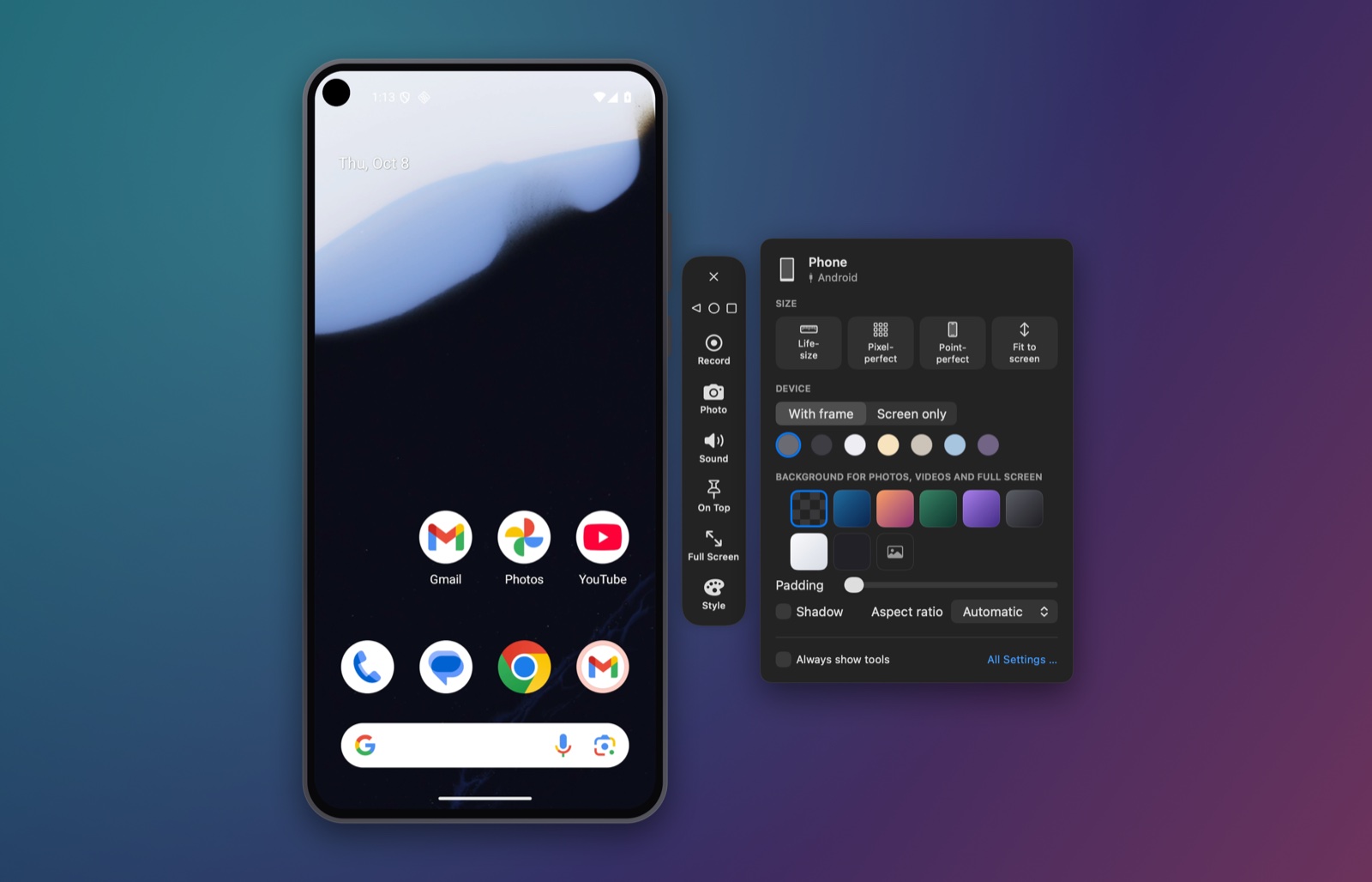
Click to tap, drag to swipe, scroll with the trackpad and type on your Mac keyboard – umlauts included. Back, Home and Recent Apps sit in the tool rail, in your phone’s order. Text copied on the phone lands in your Mac’s clipboard.
Details
A window without chrome: only your phone on the desktop. The tool rail appears on hover, and every function is a right-click away.
With or without frame and background. Transparent ones come out as PNG or HEVC with alpha for Keynote and video editors. Drag screenshots straight out of the window.
Your device centered on your background, full screen, without menu bar and Dock – for demos and talks.
Audio by cable, over AirPlay and from Android 11 – played on your Mac, without buffering.
“Frame screenshot”, “Screenshot from iPhone” and “Start or stop recording” for the Shortcuts app and your automations.
The interface speaks both. Pick the language in Settings, independent of your system.
No account, no cloud, no telemetry. MirrorAct only talks to your own devices: the AirPlay receiver on your local network and over AWDL, adb for Android phones, and – while you control it – the agent on your iPhone or iPad.
This website doesn’t use cookies, trackers or external fonts either.
Get started
MirrorAct is built from source with Xcode. One script fetches the dependencies, builds the app and installs it to ~/Applications.
brew install xcodegen cmake pkgconf libplist openssl@3 gstreamergit clone https://github.com/sopitz/MirrorAct.git && cd MirrorActscripts/build.shbrew install android-platform-tools. To control an iPhone or iPad, build the agent once with scripts/build-agent.sh.Open source under GPL-3.0. Standing on the shoulders of UxPlay for AirPlay, scrcpy for Android and WebDriverAgent for iPhone control.